Data Backup & Disaster Recovery

Managed data backup and disaster recovery services that protect Long Island businesses from data loss, cyber incidents, system failures, operational downtime, and unexpected business disruption.
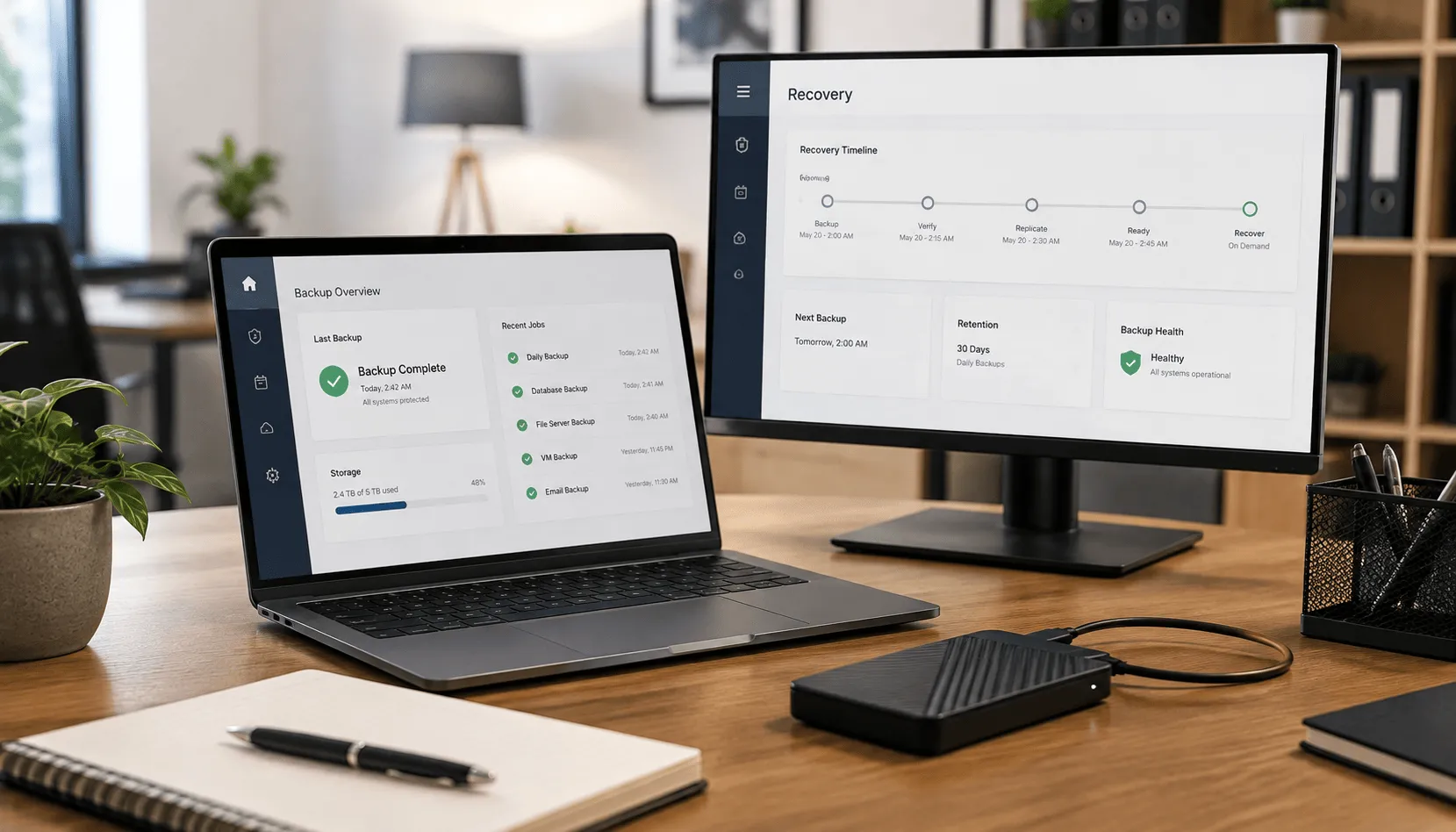
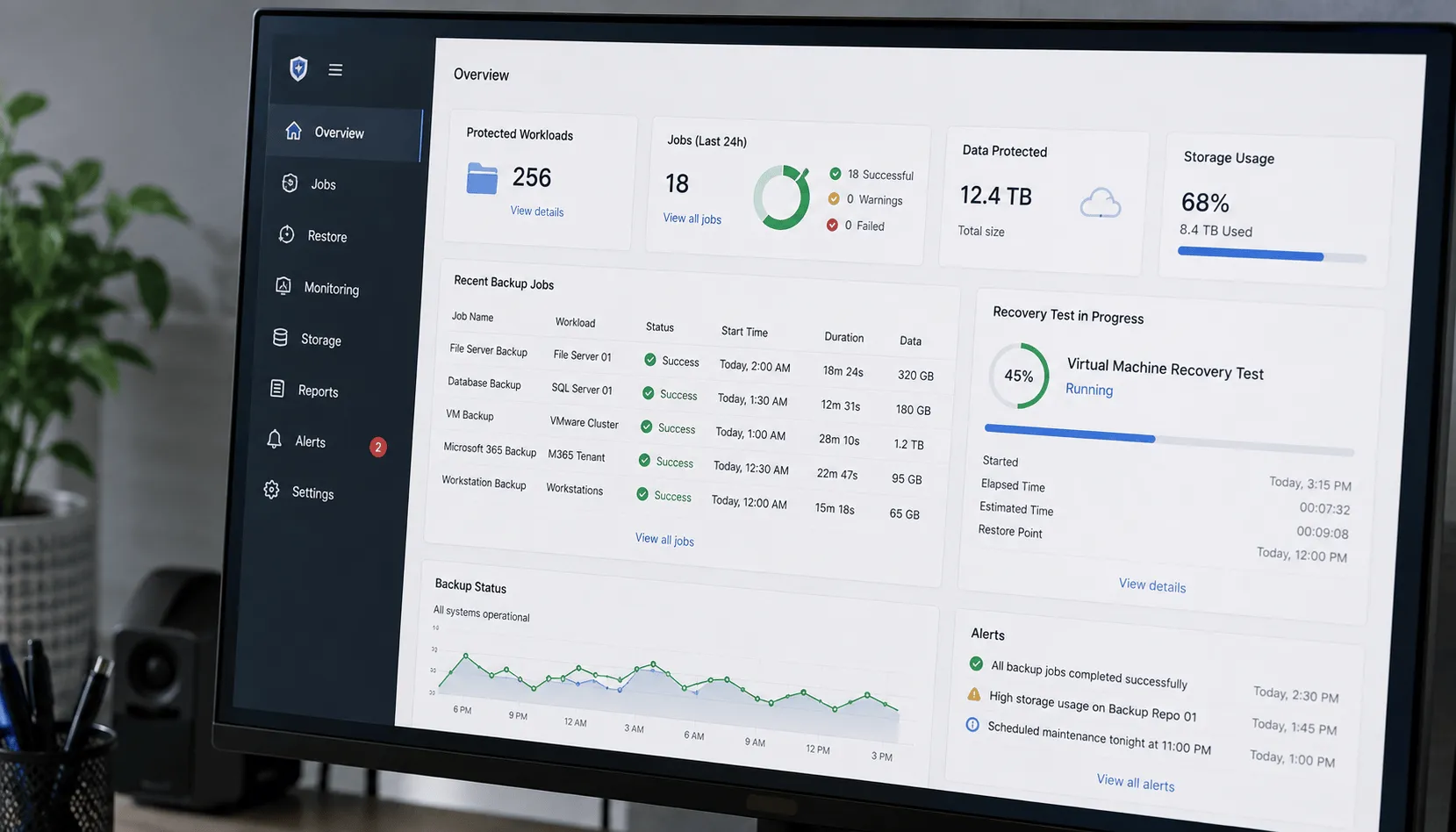
Business data backup and disaster recovery dashboards in an office
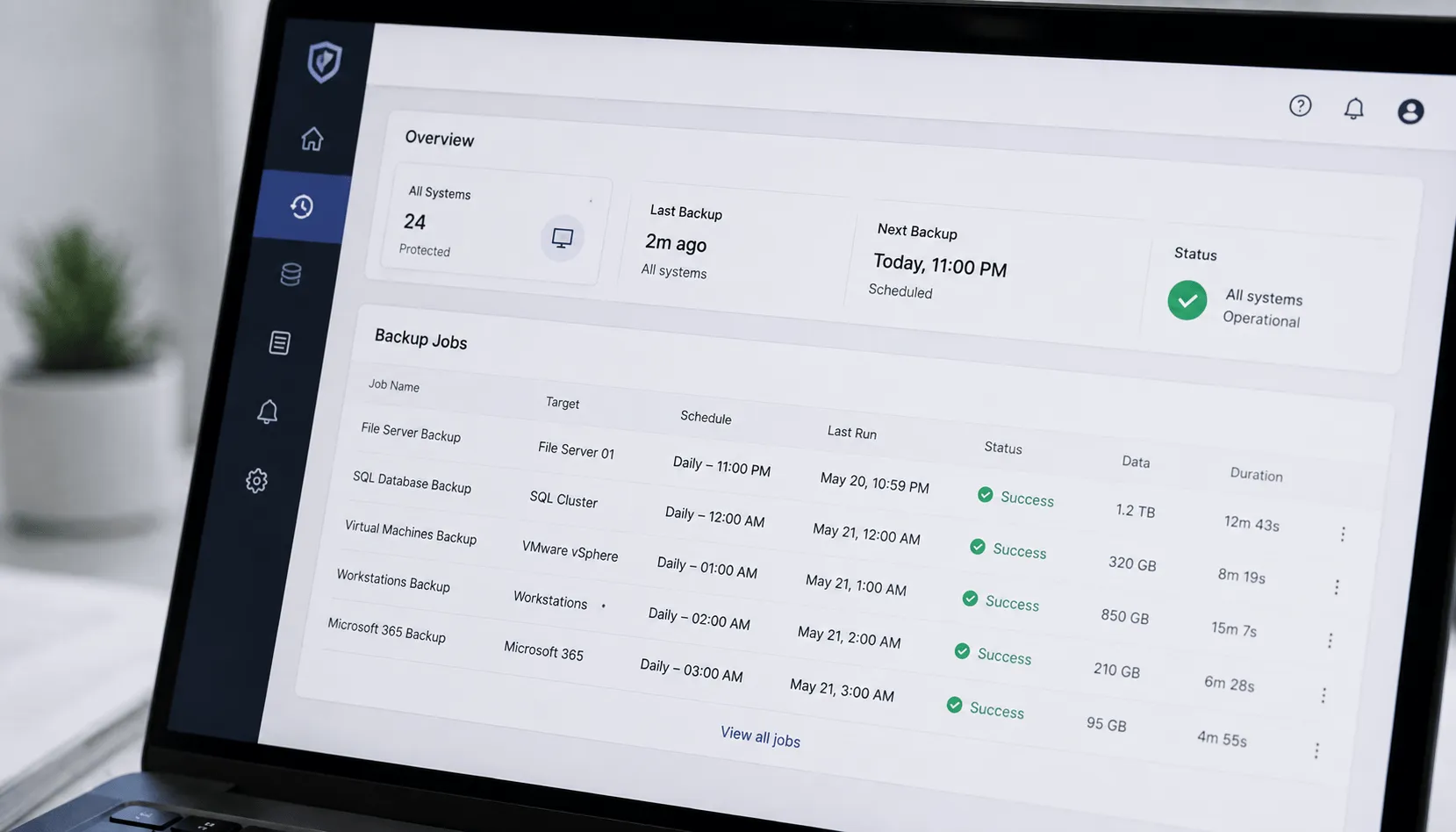
Automated data backup dashboard showing scheduled backup jobs and system status

Automated Data Backup

Critical business information should not depend on employees remembering to manually copy files. CloudLions implements scheduled backup systems designed to protect important data and supported workloads consistently.

What We Do

Scheduled Backups
Configure automated backup schedules based on business and recovery requirements.
File & System Protection
Protect eligible business files, servers, applications, and systems.
Backup Retention
Maintain recovery points according to operational and business requirements.
Backup Encryption
Protect backup data using supported security controls during storage and transfer.
Backup Administration
Manage protected systems, schedules, retention, and routine configuration changes.

Why It Works

Automated data backup protects business information on a consistent schedule without depending on employees to manage backups manually. It reduces the risk of data loss caused by human error, system failure, or ransomware.

Contact Us Today to Start Your Journey to Success

Free Consultation

Cloud & Offsite Backup

Keeping your production data and every backup copy in the same place creates unnecessary risk. CloudLions maintains protected copies away from primary business systems so a single hardware failure, cyber incident, or location-specific disruption is less likely to affect everything at once.

What We Do

Cloud Backup
Store protected business data in supported cloud backup environments.
Offsite Protection
Maintain recovery copies away from the primary business location.
Redundant Backup Copies
Use multiple backup copies where appropriate to strengthen recovery options.
Secure Data Transfer
Protect backup data while it moves between systems and backup destinations.
Storage Management
Monitor backup storage and retention requirements as protected information grows.

Why It Works

Cloud and offsite backup keep protected copies separate from primary business systems. This provides additional recovery options when local equipment, the office environment, or the production network becomes unavailable.
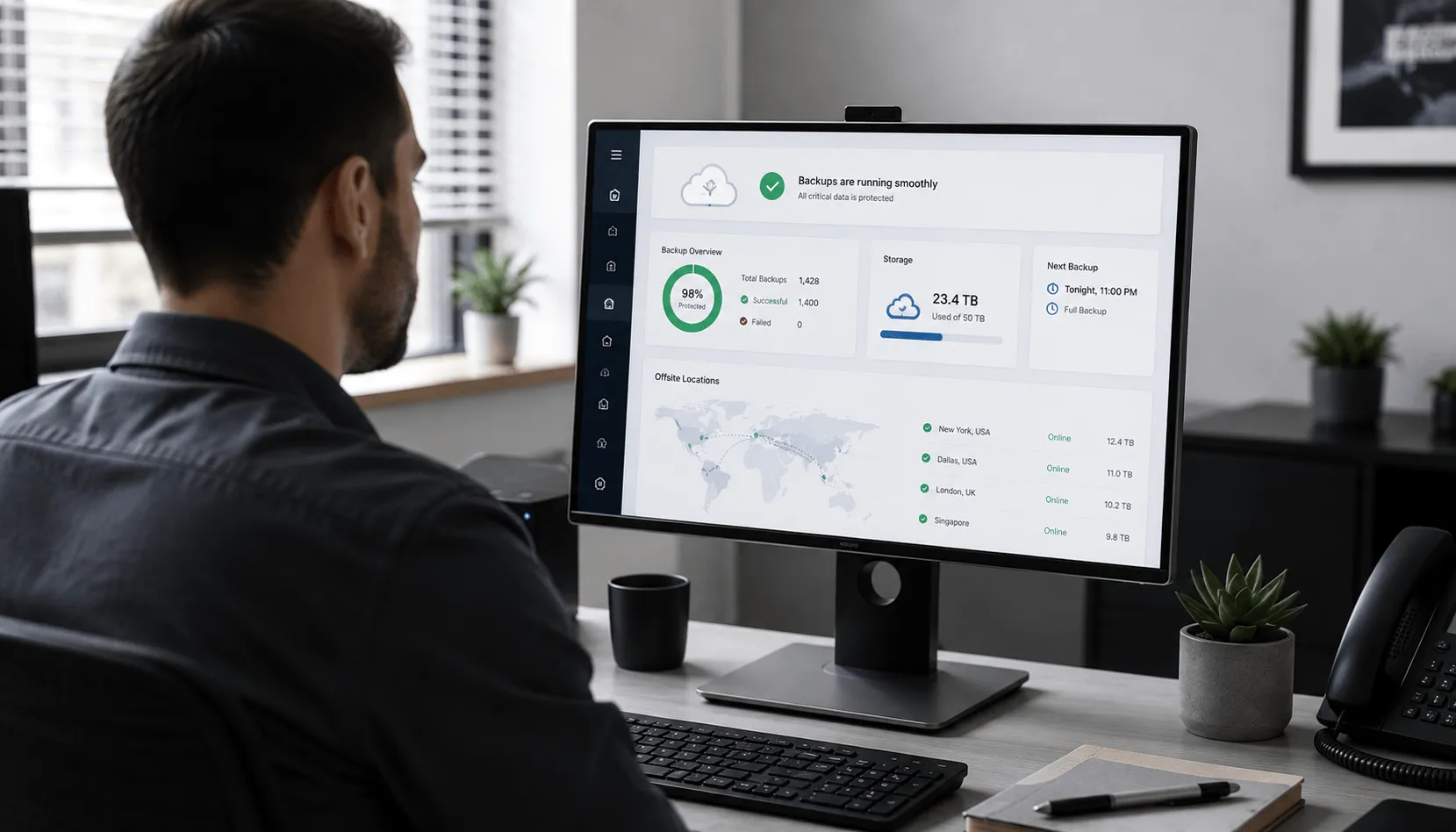
IT professional monitoring cloud and offsite backup locations

Contact Us Today to Start Your Journey to Success

Free Consultation
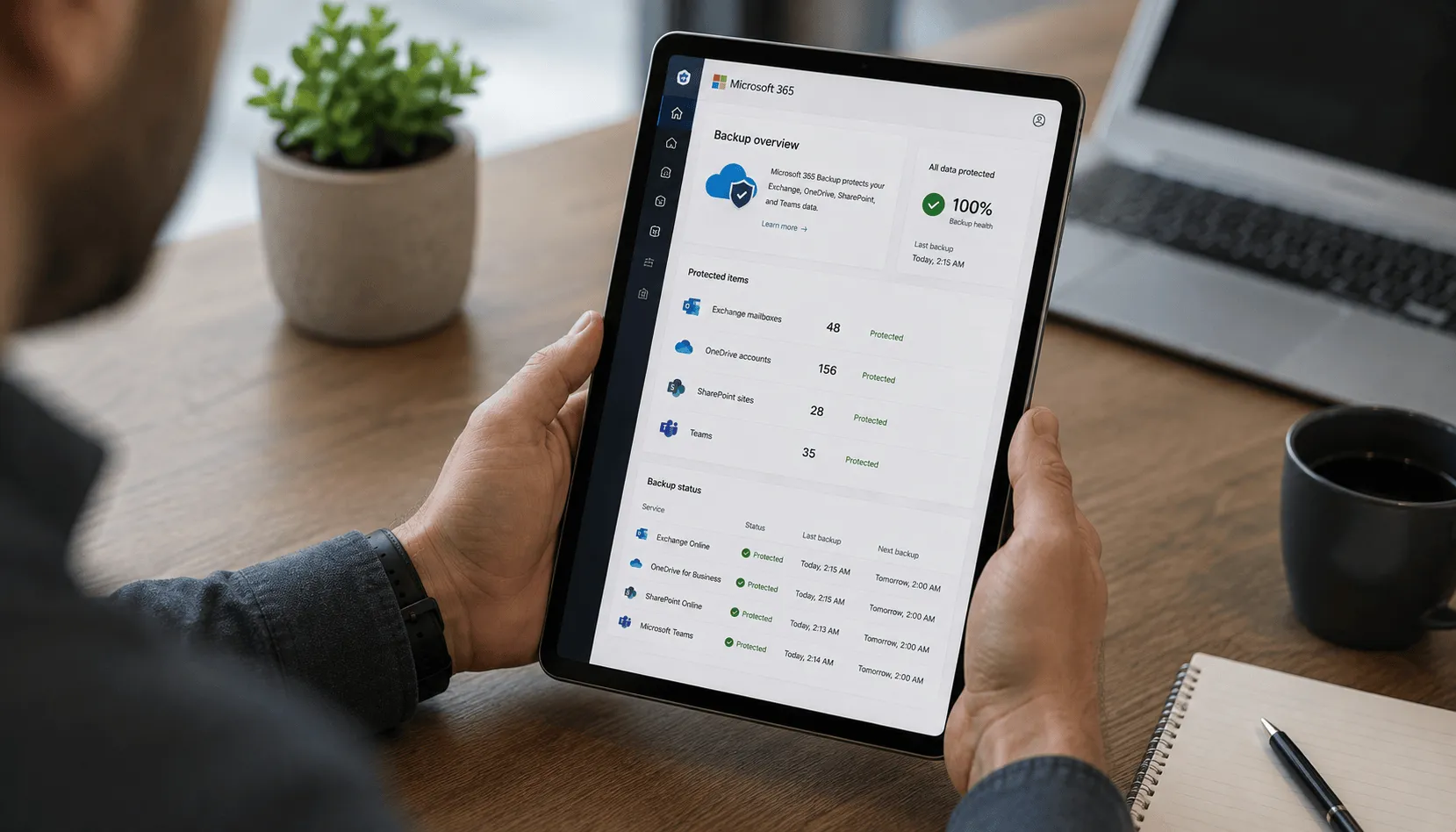
Microsoft 365 backup dashboard displayed on a tablet

Microsoft 365 Backup

Cloud collaboration platforms provide strong availability, but businesses may still require an independent recovery layer for deleted, changed, or unavailable information. CloudLions provides managed backup for supported Microsoft 365 data.

What We Do

Exchange Online Backup
Protect supported mailbox data independently from the primary Microsoft 365 environment.
OneDrive Backup
Protect supported business files stored in OneDrive.
SharePoint Backup
Back up supported SharePoint files and collaboration information.
Retention Management
Configure backup retention according to business recovery requirements.
Microsoft 365 Data Recovery
Restore available Microsoft 365 information from protected recovery points.

Why It Works

Independent Microsoft 365 backup adds recovery options beyond native retention and recycle-bin features. It helps protect available email, files, and collaboration data from accidental deletion, account issues, and other data-loss events.

Contact Us Today to Start Your Journey to Success

Free Consultation

Disaster Recovery Planning

Backups are only one part of recovering from a major technology disruption. CloudLions helps businesses plan how critical systems and information should be restored following outages, cyber incidents, equipment failures, and other serious events.

What We Do

Recovery Planning
Document how important systems, applications, and data should be restored.
Recovery Prioritization
Determine which systems and business functions need to return first.
Recovery Time Planning
Establish realistic recovery expectations for important business systems.
Recovery Point Planning
Determine acceptable data-loss windows and appropriate backup frequency.
Plan Reviews
Update recovery procedures as systems, locations, and priorities change.

Why It Works

Disaster recovery planning defines which systems should be restored first, who is responsible, and how the business will respond during a disruption. Clear procedures make backup technology more useful when recovery is actually required.

IT consultant reviewing a disaster recovery plan with business owners

Contact Us Today to Start Your Journey to Success

Free Consultation
Backup monitoring dashboard showing recovery testing and system status

Backup Monitoring & Testing

A backup failure that nobody notices can leave important business information unprotected. CloudLions monitors backup operations and validates recovery capabilities so problems can be addressed before a real incident occurs.

What We Do

Backup Job Monitoring
Review backup status and identify incomplete or failed jobs.
Failure Remediation
Investigate and resolve problems affecting backup protection.
Recovery Testing
Perform planned restoration tests where appropriate to confirm information can be recovered.
Backup Reporting
Maintain visibility into protected systems and backup status.
Configuration Reviews
Review backup policies as business technology changes.

Why It Works

Backup monitoring and recovery testing verify that protected data remains available and restoration procedures work as expected. Ongoing checks identify failed jobs, configuration gaps, and recovery problems before an emergency.

Contact Us Today to Start Your Journey to Success

Free Consultation

Rapid Data Recovery

When business data becomes unavailable, recovery needs to follow clear operational priorities. CloudLions helps restore supported data and systems from available backups and coordinates technical recovery during disruptive events.

What We Do

File Recovery
Restore deleted, damaged, or unavailable files from available recovery points.
System Recovery
Recover supported systems following failure, corruption, or another disruption.
Priority-Based Restoration
Restore important systems according to established business recovery priorities.
Incident Recovery Support
Coordinate technical recovery during outages and cyber incidents.
Post-Recovery Validation
Verify restored systems and information before returning them to normal business use.

Why It Works

Rapid data recovery helps restore critical files and systems in a controlled order after data loss, hardware failure, or a cyber incident. A defined recovery process reduces confusion and supports a faster return to normal business operations.
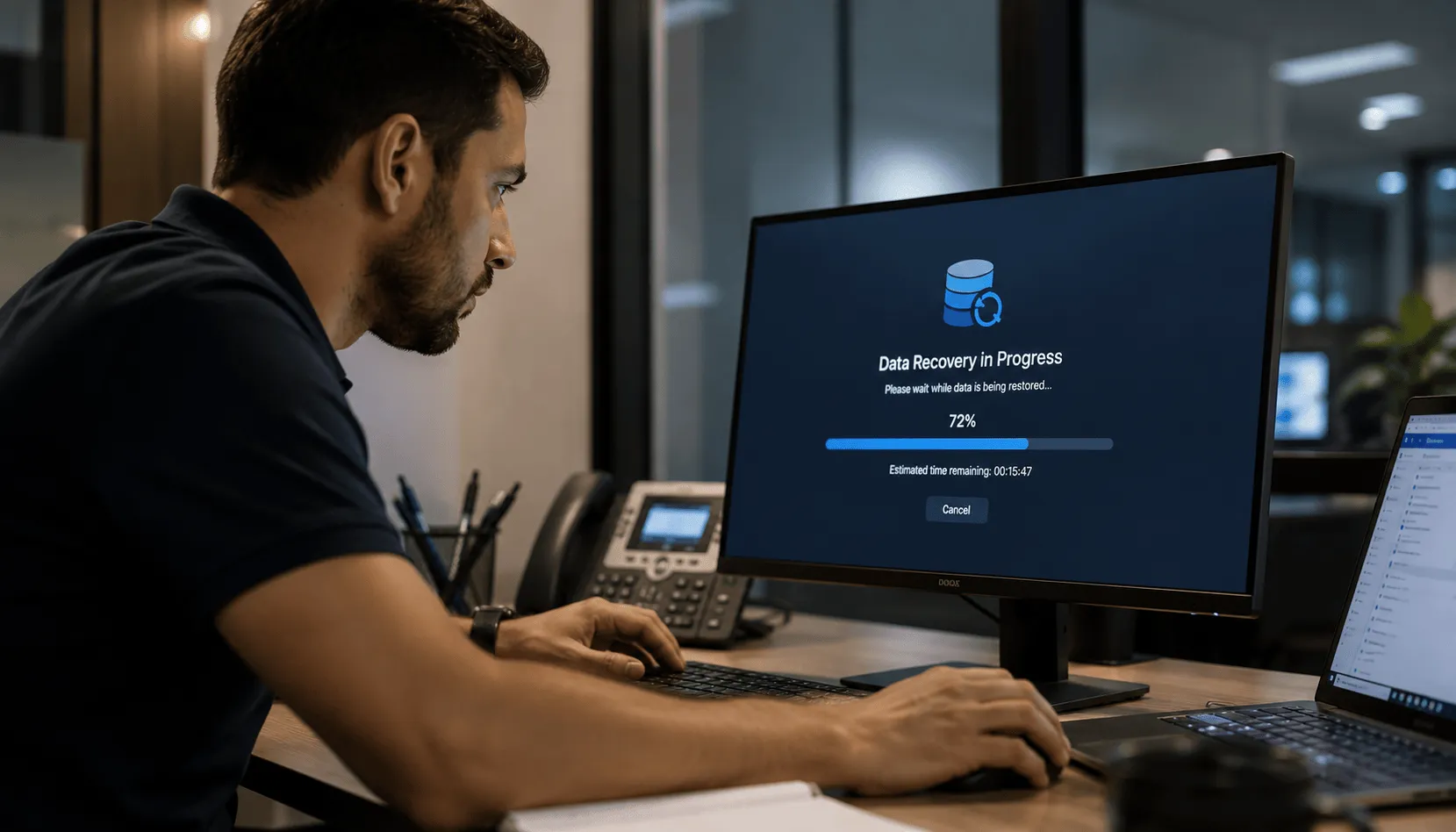
IT professional monitoring a data recovery process on a computer

Start Your Journey to Success Today!

Optimize Your Business with Tailored Comprehensive IT, Software Development, Virtual Leadership, Staffing, and Marketing Solutions—Maximizing Efficiency and Driving Success
Free Consultation